Updated: July 24, 2026 By: Marios
You’ve heard the numbers. Searches for “lyric video maker” have soared more than 90% since early 2023, fueled by TikTok clips, YouTube Shorts, and Spotify Canvas loops, according to Google Trends.
Listeners now expect on-screen lyrics the moment a new single drops, yet most independent artists still picture hours of manual key-framing or a “free” tool that flips to pay-to-play at export.
We felt that pain too. In one benchmark test, nearly every so-called free editor either stamped a billboard-sized watermark on the finished video or locked HD download behind a surprise paywall. Musicians lost time, momentum, and—ironically—money searching for work-arounds.
So we built this guide. After weeks of hands-on testing with browser-based editors and AI-powered generators, we rated each option on automation, customization, output quality, speed, and real-world cost. The result is a clear, use-case-driven shortlist you can trust.
Across the next few paragraphs we’ll explore seven standout platforms—each chosen as “best for” a specific scenario, from zero-budget DIY to cinematic 4 K audio-reactive visuals. We’ll keep the prose light, the insights practical, and the paragraphs short so you can scan fast and act faster.
When you’re ready, skim the picks below and start turning lyrics into attention-grabbing visuals.
How We Picked The Standouts
Choosing “the best” sounds bold, so we treated it like a studio session: tight criteria, no weak takes.
First, every tool had to live online. If it forced a hefty desktop install, we cut it. You and I both need the freedom to build a lyric video on a train ride or a borrowed laptop.
Next came automation. We looked for real AI muscle: automatic lyric transcription, beat-level caption timing, or visuals that react to the music. If a platform made us drag every word onto the timeline, it slipped down the queue fast.
Customization mattered just as much. Quick templates are great, but artists deserve control. We checked whether you can swap fonts, tweak colors, or dive into a timeline editor when perfectionism kicks in.
Quality followed. The minimum bar was a watermark-free 1080p export on a plan under $25 a month. Bonus points for true 4 K, multiple aspect ratios, and clean design that dodges the cookie-cutter look.
Speed and ease had their own lane. We timed fresh-account workflows from upload to ready-to-share. Tools that shipped a polished video in under ten minutes ranked higher than “set aside your weekend” giants.
Price transparency sealed the deal. Hidden paywalls at the render button? Immediate disqualification. We verified exactly what the free tier delivers and how much you pay to remove branding.
Finally, we checked the pulse. Every pick shows active updates in 2024–26, because gear that’s gathering dust today won’t help your release next month.
Hold these filters in mind as we roll into each “best for” pick. They explain why certain names shine and others miss the cut.
Best For Cinematic, Ai-Driven Visuals: Neural Frames

Neural Frames feels less like a lyric-video app and more like a pocket post-production house. Drag your song into Autopilot, grab a coffee, and ten minutes later you’re watching a 4 K video whose backgrounds breathe, flash, and color-shift to every micro-beat.
With Neural Frames’ Autopilot mode, a three-to-four-minute song renders in just 10–15 minutes, and the optional 4K upscaler adds roughly another ten. You can check out the tool to see the workflow for yourself.
If you’re really racing a release date, flipping on Turbo Mode inside the editor can slash those waits by up to 4×, turning last-minute mixes into ready-to-share visuals before your fans even finish pre-saving.
The secret is heavy-duty audio analysis. The platform splits your track into eight stems, syncs visuals to kick and snare hits, then feeds the timing into generative models such as Kling and Seedance. The motion looks scored, not templated; we’ve yet to see two Neural Frames videos that look alike.
Control scales with your ambition. Stay in Autopilot for a quick single launch, or open the timeline editor to keyframe camera moves, swap style models, and even lip-sync AI characters to your vocals. Exports can be formatted for 16:9, 9:16, or 1:1, so YouTube, TikTok, and Spotify Canvas are all covered.
Credibility matters too. According to Neural Frames, thousands of artists have produced more than two million videos on the platform.
The catch? Quality costs. You can generate and preview clips for free, but watermark-free HD starts at $26 a month, and the coveted 4 K queue lives on higher tiers. Still, if you want a lyric video that looks like a full music video without hiring a motion designer, Neural Frames is the fastest path we’ve found.
Best For Zero-Budget Creators: Capcut
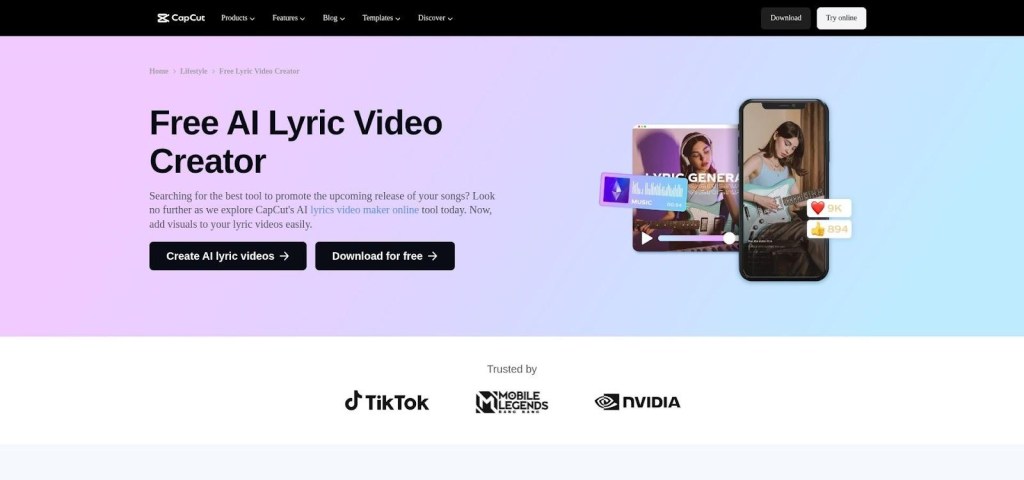
When money is tight, CapCut is the lifeline. The TikTok-owned editor lives on web, desktop, and mobile, and every core feature stays free. No sneaky watermark. No resolution cap below 1080p.
Drop your track into a new project, hit Auto-Caption, and CapCut spits out timed lyrics in seconds. Accuracy isn’t perfect. Fast rap lines need a quick cleanup, but the timestamps give you a head start impossible to match with manual typing.
From there, CapCut’s toolbox opens wide. You can keyframe text so a chorus punches in on the downbeat, add glitch transitions, or layer a waveform behind the words. Want a vertical cut for Reels? Switch canvas size and the timeline adapts instantly. It feels like having Premiere Pro in your pocket, minus the monthly bill.
The trade-off is sweat equity. CapCut won’t design kinetic typography for you or sync captions to micro-beats automatically. Expect to nudge markers and experiment with fonts until everything lands just right. If you have more time than cash, though, that effort pays off: you finish with a polished lyric video, entirely free, ready for any platform.
Best For Fast, In-Browser Edits: VEED.io
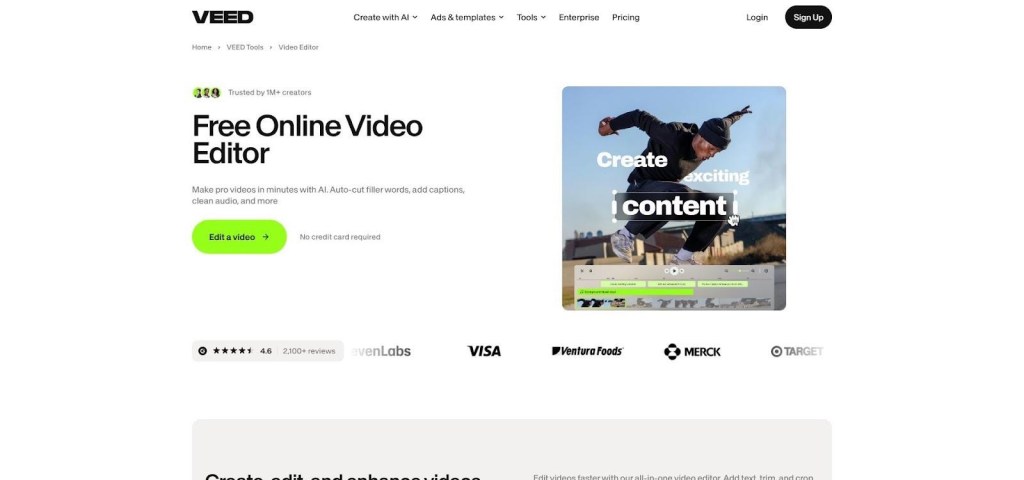
Sometimes you need a lyric video in an hour, not an afternoon. VEED is built for that deadline. Open the site in any browser, upload your song, and one click later auto-captions spill onto the timeline. Font, color, and animation presets sit a tap away, so the words pick up polish without a design degree.
Where VEED wins is speed with zero setup. No install. No project files clogging a hard drive. The cloud handles every render, sparing older laptops from whining fans and dropped frames. Need a Spanish translation for your global fan base? Hit Auto-Translate and new subtitles appear, already timed.
The style options lean social-first. Think bold karaoke highlights, TikTok-ready text pops, and waveform overlays that pulse under the lyrics. Pick a vertical canvas for Reels or a square for Instagram, and VEED resizes everything, captions included.
The free tier is fine for drafts, but 1080p exports shed the VEED watermark only on the Basic plan. If you post frequently, that monthly fee buys back credibility and time. For creators who juggle dozens of assets across platforms, the trade feels fair: pay a little, publish a lot.
Best For Story-Driven Lyrics: Pictory
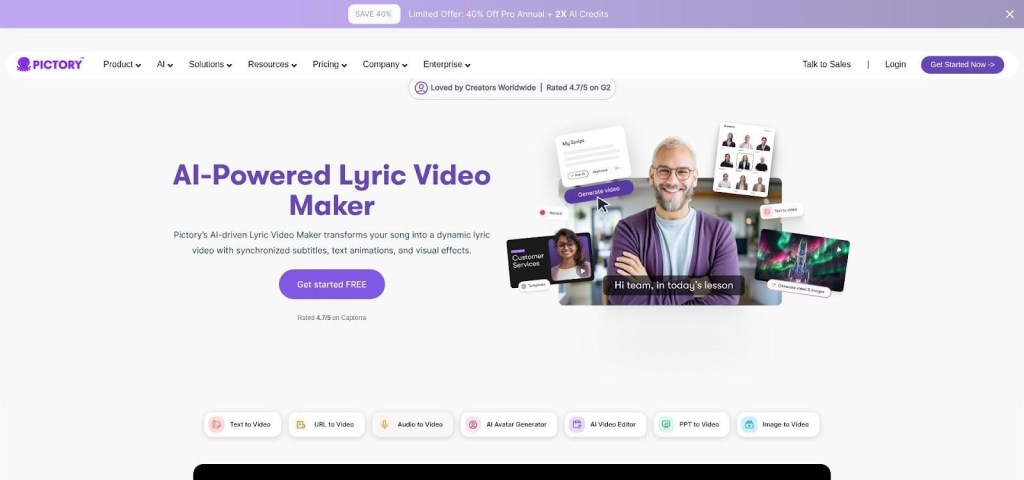
Pictory treats your song like a screenplay. Feed it the audio or paste the lyrics, and the AI breaks each line into bite-sized scenes. It then raids a giant stock-footage vault for clips that match the words: moonlit highways for “driving through the night,” city skylines for “neon dreams,” and so on.
The first draft lands in minutes and feels surprisingly coherent. Captions sit over every shot, timed to the vocal phrases, while gentle crossfades ride the beat. For singer-songwriters who paint pictures with words, the result looks more like a mini music video than a typical karaoke slide.
Editing stays flexible. Swap any background with a quick keyword search, adjust caption style, or trim pacing if a verse runs long. Because the visuals come pre-licensed, you can publish without clearance headaches.
The downside is stock fatigue. Viewers recognize generic footage fast, so pick the best-matching clips or sprinkle in your own b-roll to personalize the cut. Also, high-quality exports sit behind the $19 Standard plan, and anything under 720p on the free trial carries a watermark. Still, when you need a narrative lyric video and own zero footage, Pictory is a clutch creative partner.
Best For Pixel-Perfect Control: LyricEdits
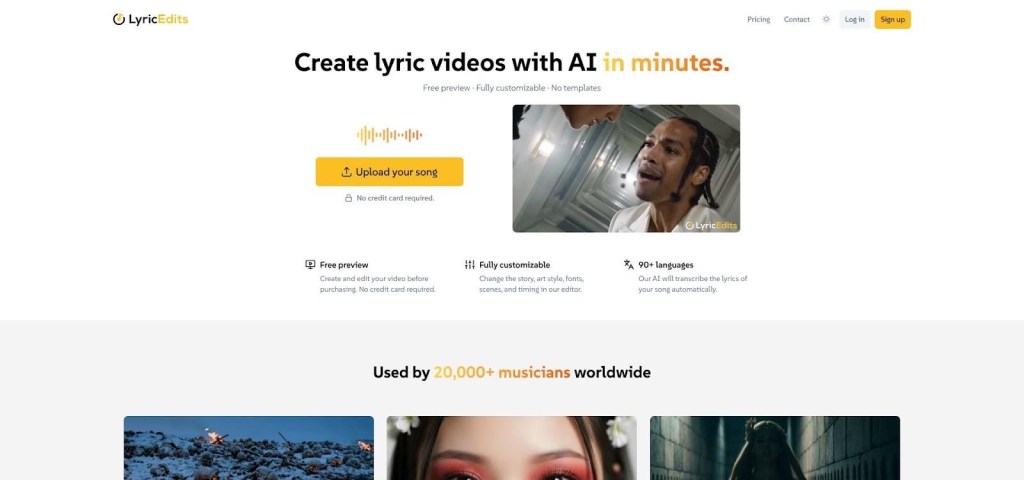
Some songs beg for more than “good enough.” They demand every syllable explode on the snare hit, every color match the album palette, and every frame earn its keep. LyricEdits exists for those moments.
The workflow starts with convenience. Import your track, let the AI auto-transcribe, and watch a rough lyric video assemble in ten seconds. Then the real fun begins. Switch to the timeline and you’re staring at a beat grid pulled from the song’s BPM. Captions snap to those markers like magnets, so even odd-time breakdowns land exactly where they should.
Need a chorus that zooms toward the viewer, swaps fonts mid-line, and shatters into particles on the dropout? Keyframe it. LyricEdits borrows the muscle of pro software but repackages it in a browser, so you animate text, camera moves, and effects without opening After Effects.
All that power stays approachable. Motion presets cover bounce, fade, and typewriter vibes, while duplicate-layer shortcuts make bilingual or shadow-style lyrics simple. If your brand kit lives in Google Drive, upload custom fonts and hex codes once, then reuse them across every video.
The price sits higher than lightweight tools, yet still cheaper than hiring a motion designer. For artists and labels who treat visuals as seriously as audio, LyricEdits offers studio-grade polish on a bedroom-studio budget.
Best For Animated, Kid-Friendly Vibes: Steve.AI
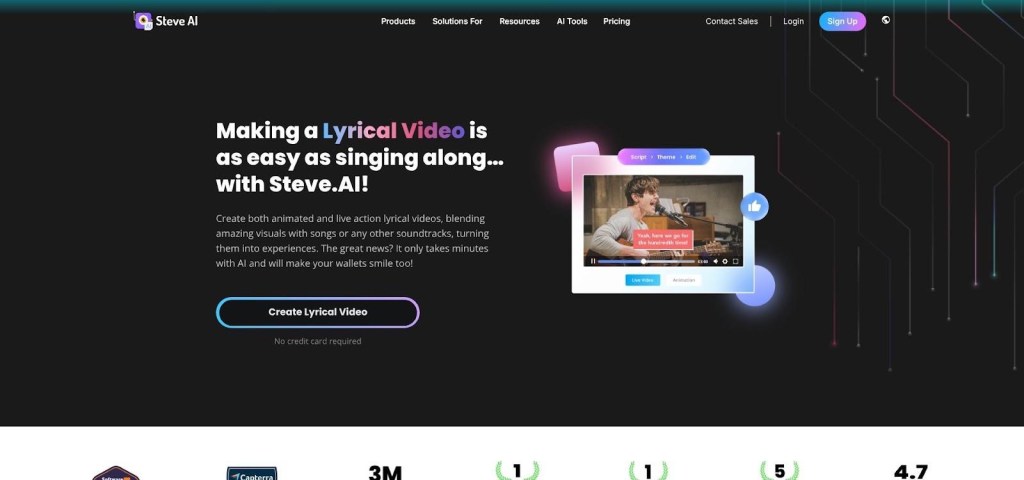
Picture a cartoon cat pedaling a bicycle while your chorus rolls across the bottom of the screen. That’s the kind of whimsy Steve.AI generates on autopilot. Paste your lyrics, pick an animation theme, and the engine storyboards every line with lively characters, props, and backdrops.
Because scenes are built from scratch, the video feels like a lighthearted music short, not just text over footage. It shines for children’s songs, novelty pop, or any track that benefits from playful storytelling. Karaoke-style word highlights keep viewers singing along while the on-screen action mirrors the narrative.
Editing stays visual. Swap a character, change the mood lighting, or drop your band mascot into a scene. No drawing skills needed; asset libraries cover most situations. Lip-sync exists, though it lags a beat on rapid-fire vocals, so test short clips before committing.
Steve.AI’s free tier lets you explore, but watermark-free 1080p exports start around $15 a month. That fee is small compared with hiring an animator, and you can cancel once the video ships. If your brand skews serious or cinematic, skip it. For anyone chasing cartoon charm, Steve.AI turns lyrics into Saturday-morning energy fast.
Best For Speed And Templates: LyricMV
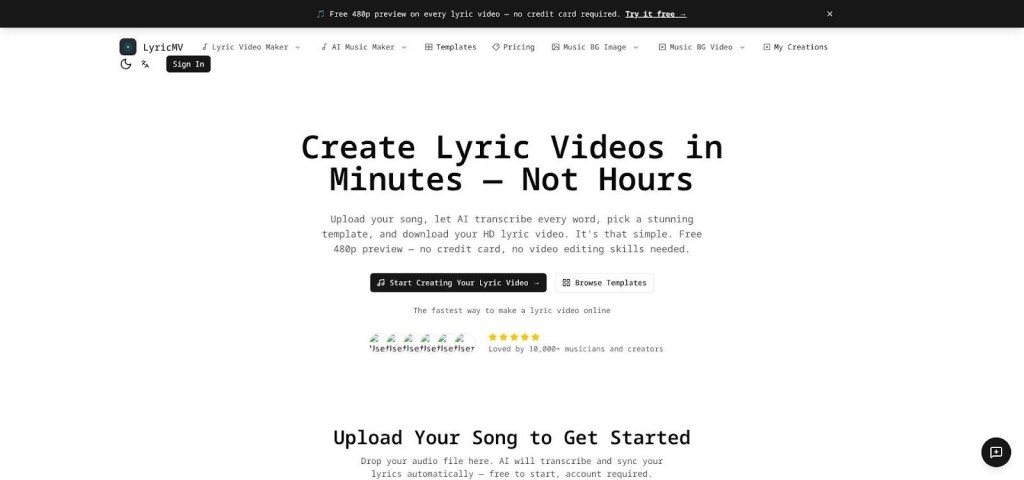
When turnaround time beats artistry, LyricMV is the cheat code. Upload your track, watch Whisper-powered transcription grab every word, then flick through a gallery of neatly animated templates (think neon glow, minimalist white, cinematic grain). Click one, and a full-length preview renders in under five minutes.
That free 480p preview is key. You see the entire video, start to finish, before spending a cent. If timing feels off, dive into the optional timeline editor, nudge a phrase, or swap a color. Otherwise, pay once and download the HD export, watermark-free, ready for YouTube.
Templates keep things foolproof but do limit originality. Expect other artists to share the same motion styles, especially the popular karaoke bounce. Still, for labels pushing dozens of catalog tracks or indie rappers dropping weekly singles, consistency beats bespoke flair.
Pricing stays simple: no subscription required. A single HD download costs about $10, while a monthly pass opens unlimited exports if you release at volume. Add Suno-track support and built-in vertical cropping, and LyricMV becomes the fastest way we’ve found to get a credible lyric video from studio to social feed.
Feature Snapshot: How The Seven Tools Stack Up
You’ve seen each platform in action. Now zoom out and compare them side by side. A quick scan of the matrix below shows where the strengths and the compromises sit. Use it as your shortcut when deadlines loom and you need to pick the right tool in 60 seconds.
| Feature | Neural Frames | CapCut | VEED.io | Pictory | LyricEdits | Steve.AI | LyricMV |
| Auto-transcribe lyrics | ✅ (built-in) | ✅ | ✅ | ✅ | ✅ | ❌ (paste text) | ✅ |
| Beat-level sync | ✅ full | ◻︎ manual | ◻︎ manual | ◻︎ basic | ✅ grid | ◻︎ scene cuts | ✅ word-level |
| Customization depth | High | High | Medium | Medium | Very high | Medium | Low |
| Max export quality | 4 K | 1080p | 4 K* | 1080p | 4 K | 4 K* | 1080p |
| Free video without watermark | Watermarked clips | Yes | No | No | No | No | Preview (480p) |
| Standout hook | AI generative visuals | Totally free | Browser speed | Stock storytelling | Pro-grade timeline | Full cartoon scenes | Fast templates |
*4 K available on higher-tier plans.
Remember: a green check means the feature is ready out of the box, and a hollow square means you’ll handle it manually or pay extra. Let this cheat sheet guide your final call, then circle back to the deeper reviews above if you need nuance.
What Each Tool Really Costs
Pricing pages love fine print, so we crunched the numbers for you. The table below lists the lowest monthly spend that removes watermarks and delivers HD export, along with any quirks that could sway your budget.
| Tool | Free tier usable for release? | Entry plan (USD / mo) | 4 K option | Notable extras or gotchas |
| Neural Frames | Watermarked clips | $26 (1080p) | Yes ($66) | Credits roll over; multi-format export included |
| CapCut | Yes, fully | $0 | No* | Pro add-ons ($7.99) for premium assets, but core editor stays free |
| VEED.io | Drafts only | $12 (1080p) | Yes ($24) | Auto-translate minutes scale with plan |
| Pictory | Watermarked trial | $19 (1080p) | No | Stock library bundled; pay yearly to save ~20 % |
| LyricEdits | No free export | $19 (4 K) | Included | Unlimited videos while subscribed |
| Steve.AI | Watermarked trial | $15 (1080p) | Yes ($30) | Character packs and lip-sync improve on Pro |
| LyricMV | Preview only | $9 per video or $20 unlimited | Unknown (1080p confirmed) | One-off payment works great for singles |
*CapCut caps at 1080p today. Rumors of a Pro 4 K tier exist, but none are live in the US store yet.
Treat these numbers as a starting grid. Music release schedules vary, and most platforms let you upgrade for a month, export everything, then step back down. That flexibility often beats locking into an annual plan you barely use.
Where Lyric Videos Head Next
The seven tools above solve today’s problems, yet the ground keeps shifting under our feet. Generative video models improve every month, and they are already sliding into music workflows. Imagine typing “lo-fi apartment at sunset” and watching Sora-style footage render, then pulse to your chorus without drawing a frame. Several startups are testing exactly that, and we expect the first consumer launch inside a lyric-video app within a year.
Automation will also get emotional. Prototype engines analyze chord progressions and vocal tone to style captions accordingly: aggressive fonts snap to minor-key crescendos, while soft cursive breathes during whispered bridges. When that lands, we will stop tweaking colors manually and start focusing on storytelling again.
Distribution is the other frontier. Spotify Canvas proved that eight-second loops move streams, so tool makers are racing to add one-click Canvas and Shorts exports. The logical next step is direct publishing. Picture finishing a lyric video in Neural Frames, hitting Share, and seeing it appear as an official YouTube upload and as a Canvas without leaving the tab.
Finally, keep an eye on usage rights. As AI generates more of the visuals, platforms must spell out who owns each frame. The leaders already grant full commercial licenses on paid tiers, but tighter industry standards and likely new watermark tech are on the way. Staying informed today spares takedown headaches tomorrow.
Frequently Asked Questions
Which lyric-video maker is completely free without a watermark?
CapCut’s core editor exports 1080p videos without any watermark, making it the only fully free option on the list.
Which platform delivers the fastest ready-to-publish lyric video?
LyricMV renders a full-length preview in under five minutes; purchase the HD file and you can publish immediately.
Do any of these tools support 4K exports?
Yes. Neural Frames, LyricEdits, VEED.io (on higher-tier plans), and Steve.AI (Pro tier) all offer 4 K output.
Can I create vertical or square lyric videos for social media?
All seven tools support multiple aspect ratios. VEED.io, CapCut, and Neural Frames automatically resize captions when you switch between 16:9, 9:16, or 1:1 canvases.


