Updated: Jun 27, 2026 By: Marios

Introduction: What is HTML?
HTML (HyperText Markup Language) is the language that builds and structures every page on the web. Whether you’re reading a small personal blog or browsing a giant store like Amazon, HTML is the layer holding the page together underneath. It uses a system of tags and attributes to label content, so the browser knows what’s a heading, what’s a paragraph, what’s an image, and what’s a clickable link.
Here’s a point that trips up almost every beginner: HTML is a markup language, not a programming language. It doesn’t run calculations, make decisions, or loop through data. Its job is simply to describe and organize content. The logic and the styling come from its two long-time companions, CSS and JavaScript. A useful way to picture it: HTML is the skeleton of a page, CSS is the skin and clothing, and JavaScript is the muscle that makes things move.
That foundational role is why HTML never really goes out of fashion. In Stack Overflow’s 2025 Developer Survey, which collected responses from more than 49,000 developers across 177 countries, HTML and CSS ranked as the second most-used technology in the world (about 62%), trailing only JavaScript. If you’re getting into web development in 2026, this is still genuinely day-one knowledge.
The quickest way to understand HTML is to see it. Here’s a complete, working web page in a handful of lines:
<!DOCTYPE html>
<html lang="en">
  <head>
    <title>My First Page</title>
  </head>
  <body>
    <h1>Hello, world!</h1>
    <p>This is my very first paragraph in HTML.</p>
    <a href="https://dessign.net/">Visit Dessign</a>
  </body>
</html>
Save that as a .html file, open it in any browser, and you have a real web page. That’s the whole magic of HTML: it’s plain text that browsers know how to turn into something you can read and interact with.
Pro Tip: Keep your HTML tidy by using proper indentation and the occasional comment to explain what a section does. Clean markup is far easier to read and maintain once your pages start to grow.
The Purpose of HTML

At its core, HTML exists to give content meaning and structure. Before a browser can display anything, it needs to know how the pieces fit together: which text is a main title, which is a list, which words link somewhere else. HTML answers all of those questions, which is why it’s often called the backbone of the web.
The Role of HTML in Shaping Web Pages
HTML is a semantic markup language, which is a fancy way of saying that the tags describe what content actually is, not just how it looks. A <nav> holds navigation, an <article> wraps a self-contained piece of content, and a <footer> sits at the bottom. Without that structure, a page would be one chaotic wall of text that nobody could navigate.
This structure does more than help human readers. Search engines like Google rely heavily on well-formed HTML to understand what a page is about, which directly affects how it ranks. Screen readers use the same tags to help people with visual impairments move through a site. Good HTML, in other words, quietly improves both your SEO and your accessibility at the same time.
HTML also plays well with others. It pairs seamlessly with CSS and JavaScript, and it sits at the heart of nearly every web technology and framework you’ll encounter, from WordPress to React. That versatility means the same language can power a one-page portfolio or a sprawling e-commerce platform, which is exactly why it remains essential for developers and businesses alike.
How HTML Works
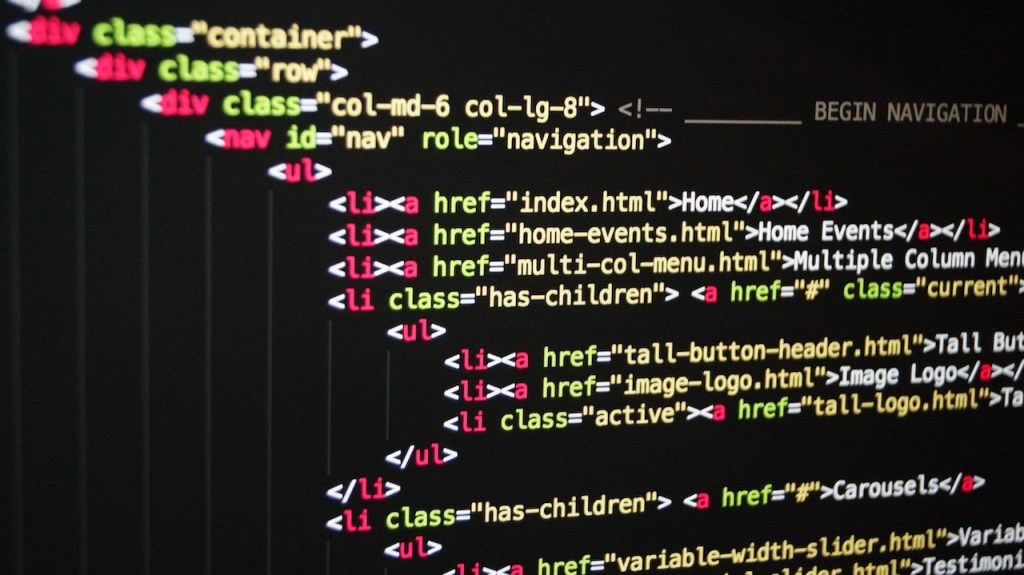
HTML works through elements, and most elements are made of an opening tag, some content, and a closing tag. For example, <p>Hello</p> tells the browser, “everything between these tags is a paragraph.” Attributes add extra detail inside the opening tag, like <a href="...">, where href tells a link where to point.
When you visit a website, your browser downloads the HTML file and reads it from top to bottom. It builds an internal map of the page called the DOM (Document Object Model), then paints everything on screen in a format you can actually read. CSS hooks into that same structure to handle colors, spacing, and layout, while JavaScript can change it on the fly, which is how menus open, forms validate, and content updates without a full page reload.
It’s worth knowing that there are several versions of HTML, with HTML5 being the version in use today. HTML5 introduced native support for audio and video, smarter forms, offline storage, and the <canvas> element for drawing graphics, which together let modern pages do far more without clunky plugins like the now-retired Adobe Flash. If you’re looking for somewhere to practice, plenty of free HTML templates are available online to learn from and build on.
HTML Evolution: Differences between HTML and HTML5
HTML5 is the successor to earlier versions of HTML, and the jump brought real, practical improvements. The table below sums up the biggest differences between the older HTML and modern HTML5.
| HTML (older versions) | HTML5 | |
|---|---|---|
| Media | No native multimedia; relied on plugins | Built-in audio, video, and SVG support |
| Forms | Limited form handling | Advanced validation and auto-complete |
| APIs | Few or no APIs | Wide range of APIs (geolocation, storage, etc.) |
| Performance | Slower, heavier markup | Faster, leaner markup and an efficient DOM |
| Offline | No offline storage | Local storage and offline caching |
Beyond the table, HTML5 also added cleaner semantic tags (like <header>, <nav>, and <section>), trimmed redundant attributes, and simplified the DOCTYPE declaration down to a single tidy line: <!DOCTYPE html>.
The upgrade isn’t just theory. Sites still running ancient HTML often suffer from slow loading and missing multimedia support, and modernizing them to HTML5 typically means faster pages, better accessibility, and a more engaging experience, which tends to translate into more traffic and higher conversions.
Conclusion: HTML as an Official Web Standard
HTML isn’t just popular; it’s an official web standard, and that’s what makes it so dependable. Here’s a piece of fresh context many tutorials still get wrong: HTML is no longer released in numbered versions. Since 2019, the language has been maintained as a continuously updated “Living Standard” by the WHATWG (the Web Hypertext Application Technology Working Group, made up of Apple, Google, Mozilla, and Microsoft). The W3C formally retired its separate HTML5, 5.1, 5.2, and 5.3 specifications on January 28, 2021, in favor of that single living spec.
In practice, this means “HTML5” and “HTML” now refer to essentially the same thing: the latest version of the Living Standard, which is refreshed continuously rather than frozen into big numbered releases. For you as a developer, it’s good news. There’s no looming “HTML6” to wait for, just a stable, evolving foundation you can build on with confidence.
HTML lets you lay down the basic structure of a page and then enrich it with images, videos, links, and forms. By keeping up with how the standard evolves, you’ll keep producing pages that are well-structured, accessible, and search-friendly. A final pro tip: always run your pages through an HTML validator to make sure your markup is clean and error-free before you publish.
FAQs about What Is HTML?
What is HTML and what are its uses?
HTML stands for HyperText Markup Language. It’s used to define the elements of a web page, such as text, headings, hyperlinks, images, and other media, and to organize and format documents in a way browsers can display. It’s also what powers navigation across the web through links. HTML is a markup language rather than a programming language, because on its own it structures content but can’t create dynamic functionality.
Is HTML a programming language?
No. HTML is a markup language. Programming languages use logic, variables, conditions, and loops to perform tasks, whereas HTML simply marks up and structures content so a browser can display it. For interactivity and logic, HTML is combined with JavaScript, and for styling it’s paired with CSS.
Who maintains the HTML standard today (W3C or WHATWG)?
The HTML standard is now maintained by the WHATWG as a continuously updated Living Standard. The W3C (World Wide Web Consortium) previously published the numbered HTML specifications but ceded that authority to the WHATWG in 2019 and retired its own HTML5 versions in January 2021. The W3C still participates in the process, but the WHATWG’s Living Standard is the authoritative version.
How does HTML work and what are its building blocks?
HTML documents are files that end in .html or .htm. A web browser reads the file and renders its content for you. The building blocks are HTML elements, each made up of tags and attributes. Tags mark where an element begins and ends, while attributes describe its characteristics, such as the destination of a link or the source of an image.
What are some of the most used HTML tags and elements?
<html>: The root element of an HTML document.<head>: Holds meta-information like the title and links to CSS stylesheets.<title>: Sets the title shown in the browser tab.<body>: Contains all the visible content of the page.<h1>to<h6>: Headings, with<h1>the most important and<h6>the least.<p>: A paragraph of text.<a>: A hyperlink to another page or resource.<img>: Inserts an image.<ul>: An unordered (bulleted) list.<ol>: An ordered (numbered) list.<li>: A list item inside<ul>or<ol>.<div>: A generic container for grouping and styling elements.<span>: An inline container for styling part of a line of text.<table>: Creates a table for tabular data.<tr>: A table row.<td>: A table cell within a<tr>.<form>: A form for collecting user input.<input>: An input field within a form.<button>: A clickable button.<textarea>: A multiline text input area.<select>: A dropdown selection list.<option>: An option within a<select>.
What is HTML5 and how does it differ from previous versions of HTML?
HTML5 is the modern version of HTML and the basis of today’s Living Standard. It added native tags and features for multimedia and interactivity, including built-in video and audio, local storage, and the <canvas> element, plus new APIs for things like geolocation and background processing with web workers. Compared with older HTML, it’s faster, more capable, and removes the need for many third-party plugins.
What are the pros and cons of using HTML?
On the plus side, HTML is beginner-friendly, free, open, and supported by every browser on earth, which makes it the perfect starting point for building web content. The trade-off is that HTML can’t create dynamic behavior on its own; it needs CSS for styling and JavaScript for interactivity. It also has no built-in security features, and older markup can occasionally behave differently across browsers, though modern HTML5 has largely smoothed those rough edges out.


